


Face Paint Ideas & Designs
Browse face paint ideas, compare a sample look, and explore its illustrative guide.
Butterfly palette
AI-generated ideas for inspiration. Guides and time estimates are examples, not tested painting instructions.
Find your starting point
A little curiosity. A whole lot of color.
Featured designs
Four original looks. Find the one that catches your eye.
Start simple.
Meet Cat and Rainbow: two beginner-themed samples with different palettes and tools.
Explore Easy

See the difference.
Drag the handle on the photo to compare our original portrait with its painted Butterfly look.
Fixed sample demo. No photo upload.
Try on your photo View Butterfly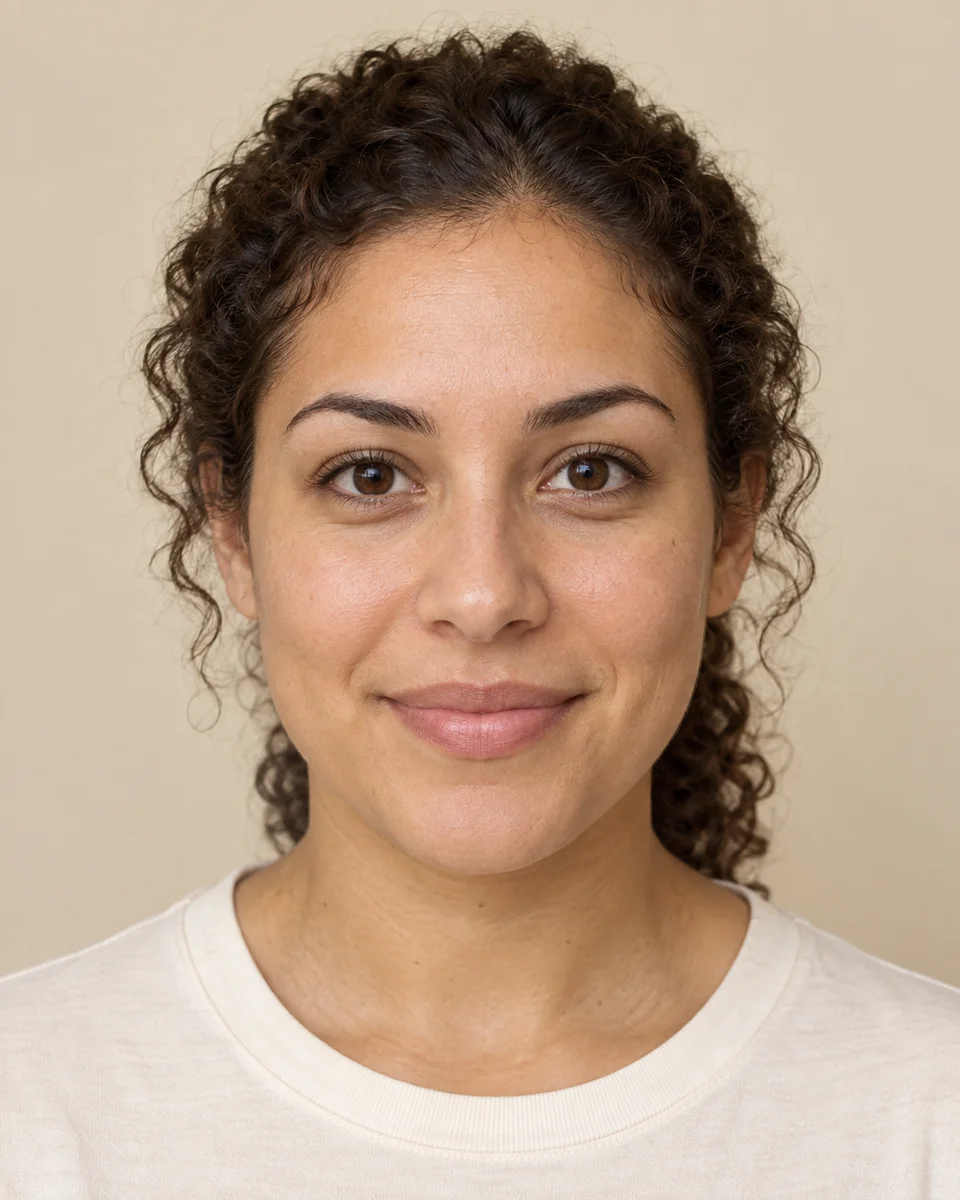
Drag the handle on the photo to compare. Use the left and right arrow keys to adjust, or Home and End to reach either side.
From idea to brush.
A closer look at how our Cat sample comes together.
Illustrative sequence. AI-generated stages, not a tested painting tutorial.
 1
1Paint the muzzle
Sponge a small white muzzle above the lips, leaving the mouth clear.
 2
2Add nose and whiskers
Paint a small black nose, dots, and three fine whiskers on each cheek.
 3
3Finish the ears
Add orange triangles above the brows and short black accents near the temples.
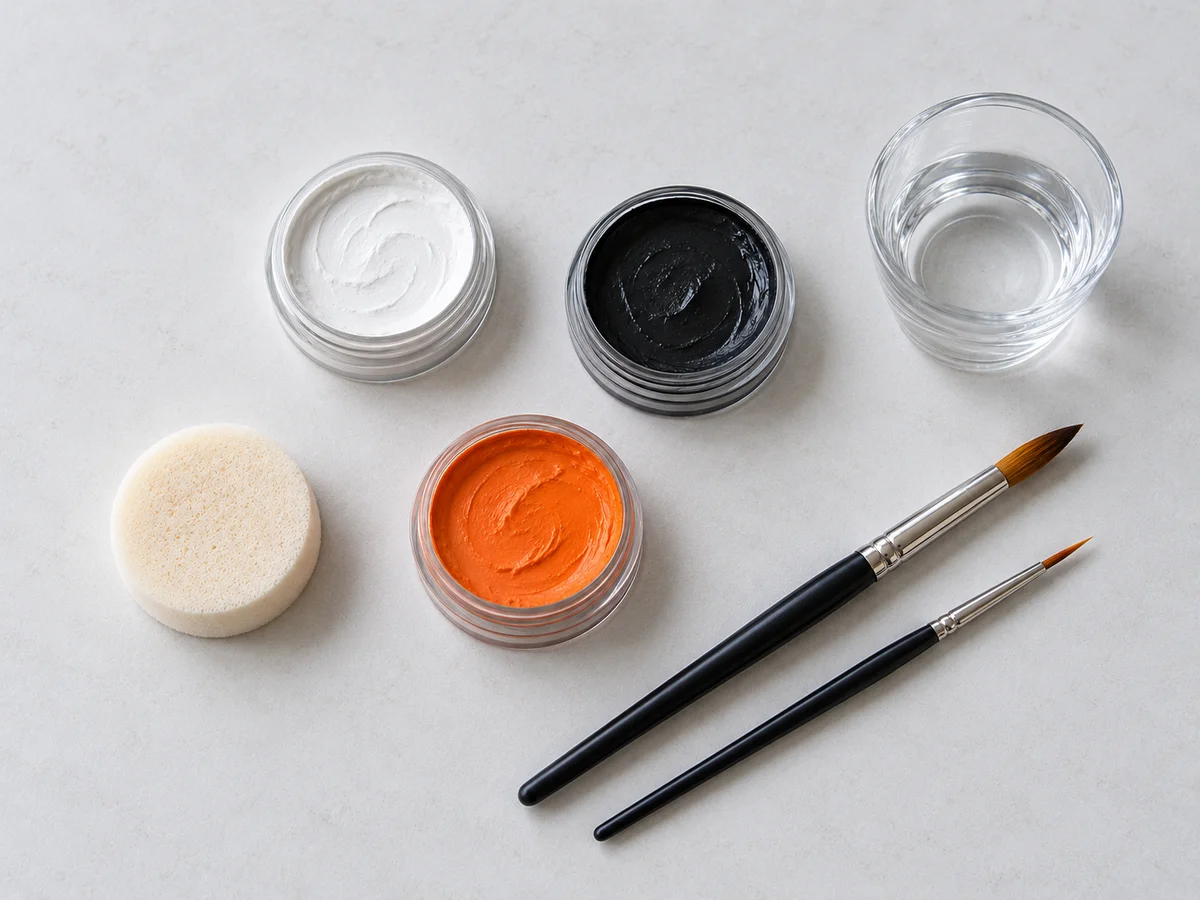
Gather your colors.
A small palette, a couple of brushes. Explore the colors and example tools behind each look.
Paint colors
- Black
- White
- Orange
ToolsRound brush · Fine detail brush
Materials shown are illustrative, not product recommendations. Follow the instructions for paints made for skin; these samples do not establish age suitability.

A little Halloween spirit.
Black, white, and a playful change of character. Explore our classic skeleton sample for seasonal inspiration.
Paint colors
- White
- Black
ToolsSoft sponge · Flat brush · Fine detail brush
Explore Halloween View SkeletonFrequently asked questions
How the sample collection works, from choosing a look to exploring its guide.
Where should I start?
Browse 20 original looks, or start with the Easy collection for simpler animal, floral and cheek-art samples. Each design has its own photo, example palette and illustrative guide.
Can I try a look on my own photo?
Try 20 face-aligned looks on your own photo, including Rainbow, animal, butterfly, flower and Halloween designs. Compare, adjust paint opacity and download a PNG locally.
Where are the tutorials and materials?
Open a design to find its illustrative sequence, example colors and tools together. The tutorial and materials links take you directly to those sections on the design page.
How should I use the guides?
Use the AI-generated illustrations to explore a look’s shapes, colors and finishing details. Steps and time estimates are examples, not tested painting instructions.
What does the Kids category mean?
Explore 15 ideas on AI-generated child portraits. These are inspiration, not age-specific recommendations. Photo try-on has not been tested with children’s photos.
Which colors and tools are shown?
Each design lists an example palette and tools. Cat shows three colors; Butterfly shows four. The material images illustrate these palettes; choose products made for skin and follow their instructions.